How to Connect Oticon Hearing Aids to iPhone

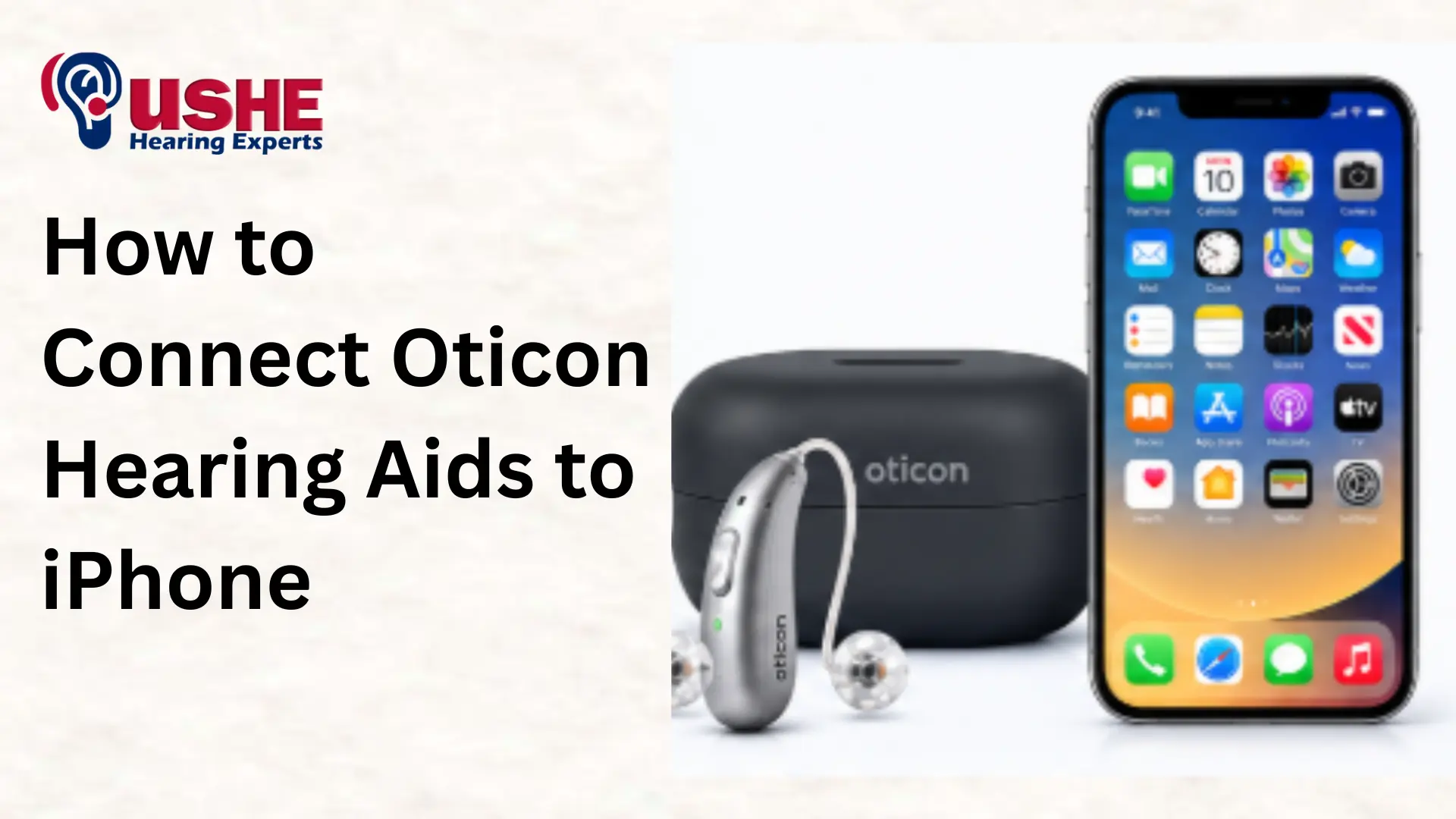
This blog will guide you on how to connect Oticon hearing aids to your iPhone. Once your hearing aids are connected to your iPhone, you will have the option to stream phone calls and audio directly through your hearing aids. By doing this, you get better access to sound and can hear phone conversations more clearly.
Summary
This blog walks you through the full process of pairing Oticon hearing aids with an iPhone, from what you need beforehand to fixing common pairing problems.
Key Takeaways
- Pairing Oticon hearing aids with an iPhone only takes a few minutes.
- You do not need any extra equipment; your iPhone settings handle the pairing.
- Once connected, you can stream phone calls, music, and podcasts straight to your hearing aids.
- The Oticon Companion app gives you extra control after pairing is done.
- A hearing aid shop can help if the pairing does not go smoothly the first time.
What Do You Need Before You Start?
Make sure your Oticon hearing aids are fully charged or fitted with fresh batteries, Bluetooth is turned on in your iPhone, and you have a recent version of iOS installed. Keep your hearing aids close to your phone while pairing.
Step by Step: How to Pair Oticon Hearing Aids with Your iPhone
- Open the Settings app on your iPhone.
- Make sure Bluetooth is turned on.
- Scroll down and tap Accessibility.
- Tap Hearing Devices.
- Put your hearing aids into pairing mode. For rechargeable models, turn them off and back on, or place them in the charger for a few seconds and remove them. For battery models, open and close the battery doors.
- Wait for your hearing aids to appear under MFI Hearing Devices.
- Tap each hearing aid name and confirm pairing.
- Once both hearing aids appear under MFI Hearing Devices, pairing is complete.
Your hearing aids will reconnect automatically every time you turn them on, as long as Bluetooth is on and you are near your iPhone.
How to set up the companion app?
Download the Oticon Companion app from the App Store after pairing. It will automatically detect your hearing aids, letting you adjust volume, switch programs, check battery life, and fine-tune sound settings without visiting a hearing aid shop.
How to Stream Calls and Audio?
Connect Oticon hearing aids to your iPhone and stream phone calls directly to your hearing aids the moment your phone rings. You can also stream music, podcasts, and videos straight from your iPhone, giving you clearer sound without holding the phone close or raising the volume.
Common Pairing Problems and How to Fix Them?
If your hearing aids do not show up or keep disconnecting, try restarting them, confirming Bluetooth is on, updating iOS, moving closer to your phone, or forgetting the device under Hearing Devices and pairing again. Make sure your hearing aids are charged, too.
At USA Hearing Experts, our licensed hearing care professionals help patients set up and fit their hearing aids correctly, including pairing them with iPhones. Whether you are new to hearing aids or switching from an older model, our team can walk you through the process in person. If pairing still does not work, your nearest hearing aid shop can usually resolve it in minutes.
Conclusion
Connecting Oticon hearing aids to your iPhone takes only a few minutes once you know where to look in your settings. It unlocks clearer phone calls and direct audio streaming, making everyday listening noticeably easier. Take the support of professionals if facing any issues. This guide will definitely help you to make your work easy, but not completely, because an expert fitting and connecting it to your iPhone makes the real difference.
FAQ
No, pairing happens through iPhone Settings. The app adds extra control afterwards, but is not required to connect.
This usually happens due to a low battery, Bluetooth being off, or the hearing aids not being in pairing mode. Restarting both devices often fixes it.
Yes, you can pair with an iPhone, iPad, and Apple Watch. They automatically switch to whichever device you are using.
Visit your hearing care provider or a hearing aid shop nearby. They can test the hearing aids directly and resolve most pairing issues quickly.